3D Wine Cellar Apps: How Visual Cellar Maps Work
Madeleine Cruickshank
September 16, 2025 · 5 min read

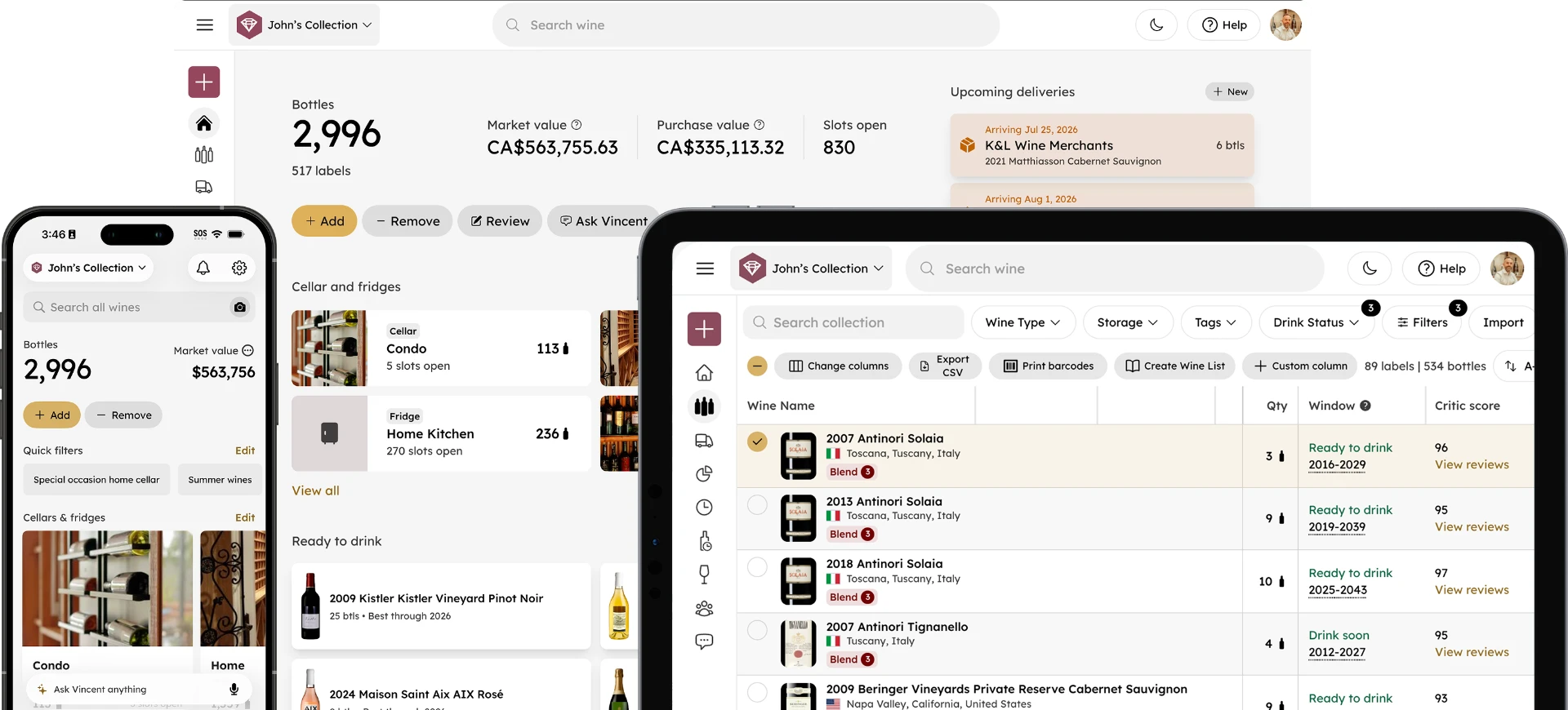
A 3D wine cellar app shows your cellar or fridge as a visual map, so you can see which slot each bottle sits in and find it without scrolling a list. Several cellar apps offer one, and they differ in how closely the map matches your real storage.
This guide explains how visual cellar maps work, what to look for and which apps offer one. App details were checked on each app's own pages or App Store listing on November 5, 2026.
What does a 3D wine cellar app do?
What is a 3D wine cellar app?
A 3D wine cellar app is a wine inventory app that draws your storage as a 3D model and places each bottle in a slot. You build the racks, bins or fridges once, then assign every bottle a location.
How does bottle finding work?
You assign each bottle to a slot, and the app shows where that slot is. In InVintory's VinLocate, searching for a bottle highlights its location in the map. Oeni says its 3D cellar shows you exactly where each bottle is stored, so you do not spend minutes looking for it.
What should you look for in a 3D wine cellar app?
Look for a map that matches the storage you actually have, and for a way to keep it accurate over time.
Layout match: Can you model your racks, bins and fridges, or do you have to fit your cellar into a fixed template?
Search to location: Does searching for a bottle show where it sits?
Fridge support: Does it handle wine fridges and shelves, not just racks?
Platforms: Does the map work on your phone and on the web?
Cost: Check which plan includes the 3D view before you commit.
Which apps offer a 3D or visual wine cellar?
InVintory: for collectors who want a map of racks, bins and fridges
InVintory's VinLocate builds a visual, searchable 3D map of a cellar or fridge. It is on the Premium and Elite plans, and Elite adds a bespoke 3D cellar build for larger collections. VinLocate (3D wine cellar mapping) offers fridge templates built from real fridges from Wine Enthusiast, LeCavist and EuroCave, and InVintory runs on iPhone, iPad, Android and the web. VinLocate was rebuilt recently, and what changed in VinLocate covers the details.
Oeni: for collectors who want a 3D cellar in a freemium app
Oeni's own pages describe a 3D virtual cellar that reflects the layout of your physical cellar. Oeni is freemium, with the paid Oeni Plus plan, and runs on iOS, Android and the web. For a full comparison, see InVintory vs Oeni.
VinoCell: for iPhone and iPad users who want drawn rack layouts
VinoCell's App Store listing describes a visual cellar with 50 rack and shelf configurations. It is a paid iPhone and iPad app. For a comparison, see InVintory vs VinoCell.
Other cellar apps may offer visual maps too, so check an app's own page before you rely on this list. For the wider field, see Best Wine Apps in 2026.
Is a 3D wine cellar app worth it?
It is worth it when you have enough bottles, or enough separate spaces, that a list no longer tells you where anything is. For a small collection in one rack, a list with locations may be enough.
How do you set up a 3D wine cellar?
Model your storage first, then add bottles. Create each rack, bin or fridge to match what you see, assign every bottle a spot and update it when bottles move. For the steps, see how to map racks, bins and fridges. For fridge layouts, see wine fridge setup templates, and to keep it accurate, see how to keep bottle locations accurate.
For general cellar organization, see how to organize a wine collection so you can find a bottle.
Frequently asked questions
What is the best 3D wine cellar app?
It depends on your devices, budget and how closely you want to model your storage. InVintory, Oeni and VinoCell all describe a visual cellar, with different plans and platforms.
Do I need a 3D view to find bottles?
No. A list with a rack, row and slot for each bottle works too. A 3D view helps most when you have several spaces or many bottles.
Does a 3D cellar app work for wine fridges?
InVintory models fridges as well as racks. Check any other app's page for fridge support before you choose.
Ready to see your cellar in 3D? Get started with InVintory or learn about Elite.
InVintory is available on iPhone, iPad, Android and web. Get InVintory on the App Store or get InVintory on Google Play.