Keep, Gift, Sell or Replace: Wine Cellar Goal Lists
Madeleine Cruickshank
May 4, 2026 · 4 min read

What are keep, gift, sell and replace lists?
They are four lists that give every bottle in your cellar a job: drink or age it yourself, give it away, move it on, or buy it again. Sorting bottles this way shows what you actually need before you buy more, which is where overbuying starts.
This guide defines each list, shows how to set them up, gives buying rules that keep the lists honest, and ends with a monthly review you can finish in one sitting.
How do you define each list?
Keep: Bottles you plan to drink or age yourself. Most of a cellar belongs here, and the keep list is what the other three are measured against.
Gift: Bottles set aside for someone else. Note who each one is for and the occasion, so a gift bottle does not get opened on a weeknight.
Sell: Bottles you plan to move on, because your taste changed, the wine gained value or you have more than you will drink in its window. For the decision itself, see when to drink, sell or hold wine, and for the mechanics, how to sell wine from your collection.
Replace: Wines you want to buy again after you drink, gift or sell them. This is the only list that holds wines you may not own right now.
How do you set up the lists?
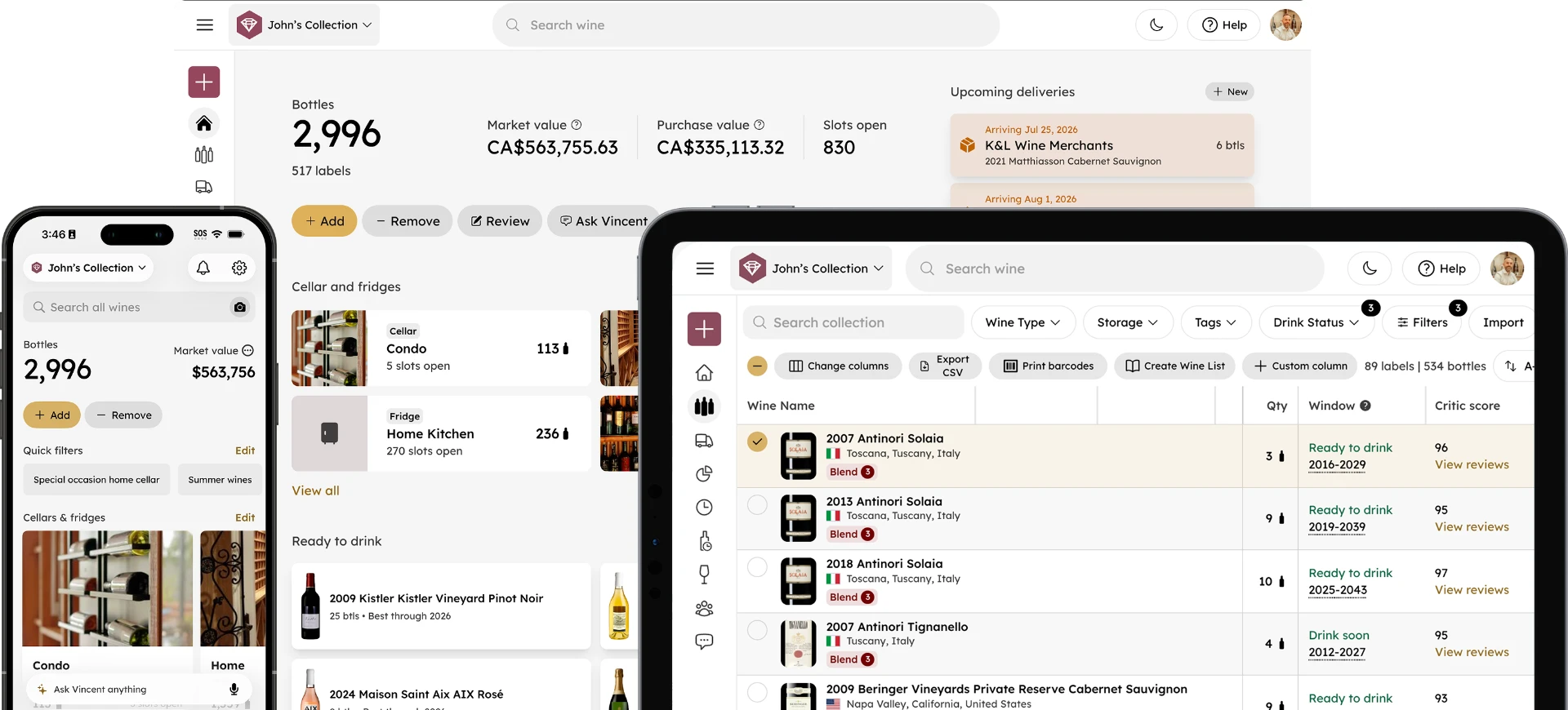
Use whatever your inventory tool does best for each job. In InVintory, two tools cover it:
Saved lists for replace and gift ideas: A saved list holds wines rather than bottles, so it can include a wine before you own a bottle of it. That makes it the natural home for a replace list or a gift wishlist. Each entry carries the vintage you chose and a note. See how to organize your collection with saved lists.
Tags for keep, gift and sell: Tags sit on the bottles themselves, so tag the actual bottles you plan to keep, give or sell, and filter by tag when you need the list.
Keep the lists short. A sell list with every bottle you might one day part with is not a plan, so only add a bottle when you have a reason and a rough date.
What buying rules stop overbuying?
Write down a few rules and check them before every purchase. These work for most collectors:
Check the replace list first: Buy from it before you buy anything new.
Check the keep list for the same style: If you already hold enough of a style to drink through its window, pass.
Buy for a space: If your racks or fridge are full, a new bottle means one out first.
Match quantity to your drinking: Only buy as many bottles of one wine as you will open before its window closes. See when is a wine ready to drink.
Log it when you buy it: A bottle that is not recorded cannot be counted against the lists.
For building a collection with a plan from the start, see how to build a wine collection.
How do you review the lists each month?
Set a recurring date and work through five steps:
- Remove every bottle you drank, gave or sold since the last review, choosing the right reason so your history stays accurate.
- Check drink windows and move bottles that are ready, or nearly past it, from keep to the front of your drinking queue or to the sell list.
- Confirm each gift still has a recipient and an occasion.
- Move wines you bought back off the replace list.
- If you share the collection, read the activity feed to see what collaborators added, moved or removed.
A review that takes this long once a month saves a much longer clean up later.
Ready to give every bottle a job? Get started with InVintory or compare plans.
Frequently asked questions
Is a saved list the same as a tag?
No. A saved list holds wines you pick, including wines you do not own yet. A tag sits on the bottles you own.
Can the same wine be on more than one list?
Yes. In InVintory the same wine can sit on as many saved lists as you like.
What happens to my bottles if I delete a list?
Nothing. Deleting a saved list in InVintory leaves the wines and bottles in your collection untouched.
How often should I review my cellar lists?
Monthly works for most collectors. Review more often in a season when you buy or open a lot of wine.
InVintory is available on iPhone, iPad, Android and web. Get InVintory on the App Store, get InVintory on Google Play, or start on the web.